Taking over a web project that’s already in motion is a bit like stepping into someone else’s workshop mid-build. Tools are scattered, plans half-followed, and a deadline looming.
When we were brought in to complete the WSI website, that was exactly the situation. The site had a solid start, but progress had stalled, and the client needed help transforming it into a functional, polished, high-performing site ready for launch.
The Challenge of Taking Over an Incomplete Website
Inheriting someone else’s work always brings surprises. Some elements are functional and visually appealing; others are broken, inconsistent, or incomplete. The biggest challenge is balance: how to move forward quickly without rebuilding everything from scratch.
On top of that, clients often want to preserve their SEO equity and maintain the brand’s professional aesthetic. That means making careful adjustments rather than doing a full redesign, while ensuring everything performs as it should.
This post walks through the process for reviving a partially built website, covering the challenges, decisions, and key steps that turn an unfinished project into a successful relaunch.
1. Audit What You Have
The first step in taking over any unfinished website is to get a clear understanding of what you’re working with.
Code and structure review
Start by analyzing the website’s framework, theme, and plugin setup. Look for inconsistencies or potential issues in the codebase, such as duplicated styles, deprecated functions, or unnecessary plugins that may be slowing things down. Document everything that needs to be corrected or cleaned up before moving forward.
Content and functionality audit
Go through the site page by page to identify what’s complete and what’s missing. Check for broken links, placeholder content, orphan templates, and missing features. Review all interactive elements, such as forms, scripts, and integrations, to ensure they function as intended from start to finish.
SEO baseline
Before making any major changes, benchmark the site’s current visibility and structure. Export URL lists, review redirects, and run a crawl to identify broken links, duplicate pages, or missing metadata. This gives you a reference point to measure improvements and avoid losing SEO value during redevelopment.
A thorough audit lays the foundation for every decision you’ll make during the rebuild.
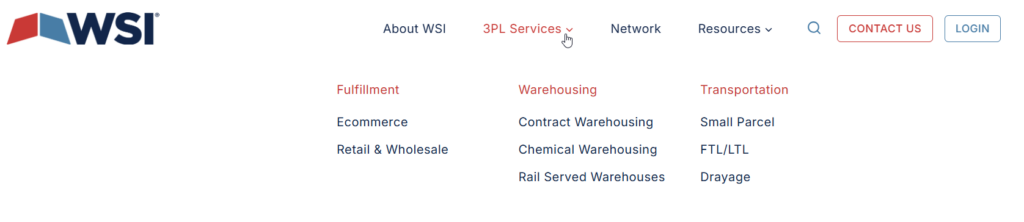
Real-World Example: The WSI site was given an initial technical audit. All plugins were audited to identify and remove anything unnecessary that could contribute to site bloat. We then reviewed the site’s content to pinpoint gaps, missing images, or broken links. A complete list of pages and their metadata was exported to evaluate the site structure with the client and determine where updates were needed.
2. Decide What to Keep vs. What to Redo
Not everything needs to be rebuilt from scratch. One of the biggest mistakes when inheriting a half-finished website is assuming that all existing work is unusable. The goal is to determine what’s salvageable and what needs to change.
Evaluate whether the current structure, layout, or theme can support the site’s long-term goals. Keep what works, refine what’s close, and rebuild only what’s broken or inefficient. Often, the framework can stay in place while you update the visual design, simplify navigation, or improve content organization.
When working with a client, review each major decision together to ensure that design, functionality, and performance goals remain aligned. Especially when taking on an already started website redesign, the best outcome is likely one that enhances, rather than completely replaces, its existing foundation.
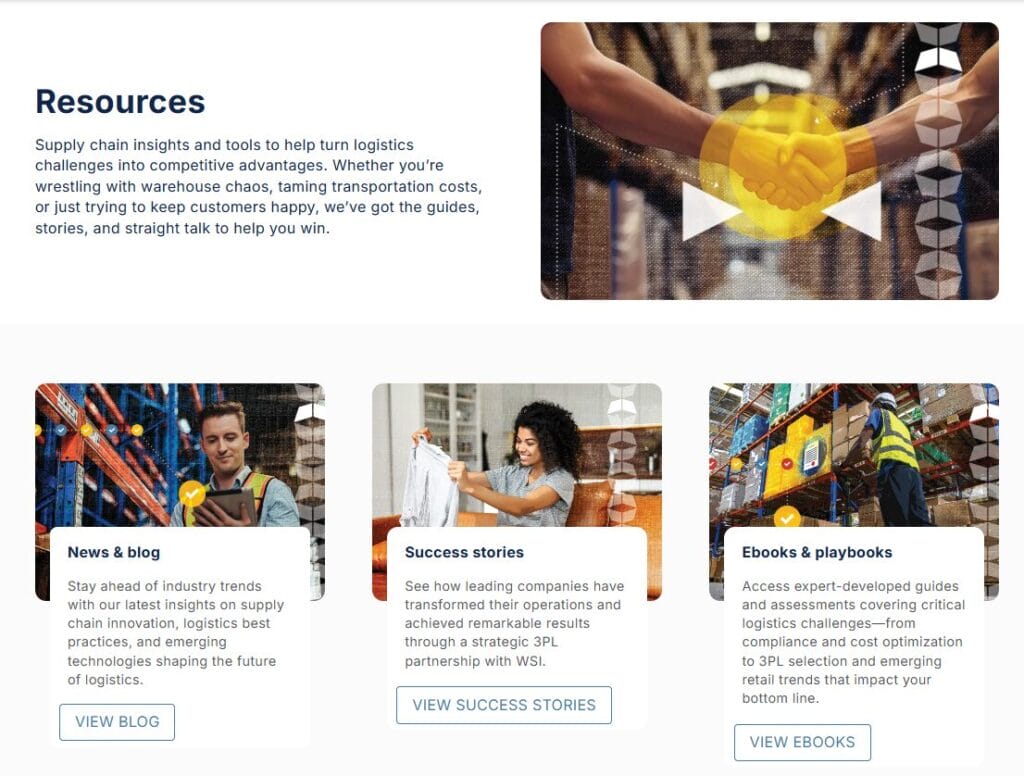
Real-World Example: We worked with the WSI team to review page content and decide what to keep, revise, or remove. While much of the site’s structure remained effective, the content required significant reworking, and in some cases, entirely new pages needed to be created. By understanding the goal of their website, we were able to figure out how to move forward with a focused plan.
3. Rebuild Strategically
Once you’ve identified what stays and what goes, it’s time to rebuild carefully and with intention.
Prioritize functionality
Start with the pages and features that are essential for launch, such as the homepage, key service or product pages, and contact forms. Additional enhancements or non-critical features can be tackled after launch.
Enhance user experience
Streamline navigation to make it intuitive and consistent. Adjust spacing, typography, and button styles for readability and clarity. Ensure calls to action are easy to spot and lead users toward conversions.
Refine Technical Aspects
Clean up redundant code, reduce dependencies, and optimize images and scripts. Implement techniques like lazy loading and efficient caching. On mobile, verify that spacing, breakpoints, and touch targets are properly adjusted, so the site feels intentional on every device.
Real-World Example: Guided by the WSI’s priorities, we identified which content needed to be completed first. Updates were made to pages to align with their desired aesthetic, and branding was finalized to match the latest guidelines. Finally, the site was carefully fine-tuned to ensure a polished, professional appearance across all devices.
4. Safeguard SEO and Performance
When rebuilding a site, it’s easy to lose search visibility if you’re not careful. Protecting existing SEO equity that was measured during the audit should always be a top priority.
- Redirects and link preservation. Map old URLs to new ones to preserve link equity and prevent broken pages.
- Metadata and schema. Retain accurate title tags, meta descriptions, and schema markup to ensure search engines understand the site’s structure and content.
- Website copy. Whenever copy changes on a website, SEO is impacted.
Performance optimization
Using tools like Google Lighthouse or WebPageTest.org, you can identify slowdowns and optimize performance. This often requires you to compress images, minify CSS and JavaScript, and defer non-critical scripts to improve load times and user experience.
By prioritizing performance and SEO throughout the rebuild, you’ll ensure the finished site not only looks good, but also performs well across search and usability metrics.

Real-World Example: Another technical audit was run on the WSI site after we made updates and fixes. Content proofing was performed on all pages. The existing copy on WSI’s website had been written for the SEO guidelines in place at the time, which was more than 5 years ago. As a result, the Top Of The List and WSI teams worked together to update the copy using up-to-date user experience and SEO techniques.
5. Quality Assurance and Launch
Before launching, it is critical to conduct a full round of quality assurance testing to catch issues early and ensure a smooth transition. This phase includes:
- Cross-browser testing: Check compatibility across modern browsers like Chrome, Firefox, Safari, and Edge.
- Mobile testing: Test the site on multiple devices and screen sizes to catch layout inconsistencies and usability problems.
- Functionality and form testing: Verify that all integrations, such as contact forms, analytics, and tracking scripts, work correctly.
- Coordinate the launch: Once everything has been tested and approved, the next step is to carefully coordinate the launch: Update DNS settings, clear caches, and perform post-launch checks to confirm redirects and live URLs are functioning as expected.
The time spent on testing, along with a controlled rollout, helps minimize downtime, saves considerable time and frustration in the long run, and ensures the site performs reliably from day one.
Real-World Example: Extensive testing was conducted with a focus on mobile usability, as 50–70% of WSI’s traffic originates from mobile devices. Because the site’s forms were integrated with HubSpot, form testing was especially critical to confirm that all leads were being properly captured and sent to the CRM. After launch, all functionality was re-verified to ensure that nothing was lost during the migration from the development environment to the live site.
Results and Impact
After launching the WSI website, it immediately felt cleaner and more professional. The site maintained its most important SEO rankings and organic traffic. Content management became easier for the client’s team thanks to a more simplified structure. Most importantly, the website reflects the brand’s quality and reliability, some of the very traits WSI is known for.
Lessons Learned
Every “revival” project teaches something new. For me, this one reinforced a few key truths:
- Always start with an audit. You can’t fix what you don’t fully understand.
- Don’t assume inherited code is broken. Evaluate first, then decide what to replace.
- Communication is crucial. Keeping clients updated on tradeoffs builds trust and momentum.
- Teamwork makes all the difference. When a team works together toward a common mission, it fosters alignment and shared goals. This leads to more efficient workflows and reduces the risk of misunderstandings. As a result, the end product is of higher quality and better meets the client’s business needs.
Taking over an incomplete build isn’t easy, but it’s also an opportunity to bring clarity, structure, and expertise where things have gone off track.
Reviving a half-built website is part technical skill, part detective work, and part project rescue mission. With the right process of auditing, prioritizing, refining, and testing, you can transform an uncertain start into a strong finish.
If your project is stuck mid-build or your website needs a second life, Top Of The List can help bring it across the finish line. Contact us to discuss how you can get your business’s site launched the right way.
About the Author

Front-End Developer, SEO Specialist III
Mandie joined Top Of The List in 2018 and has a degree in Web Development. She lives in Grand Rapids, MI with her dog Winnie.